How to get access to Sonos AI features, as company aims to avoid another app disaster
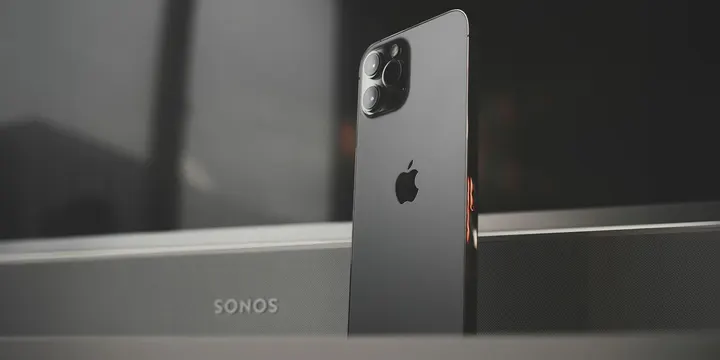
When Sonos tried a major app update two years ago, things did not go well. Much-loved features disappeared, older speakers experienced connection problems, and accessibility features were broken. That debacle saw the company’s CEO fired. The company is taking a much more cautious approach as it moves into the AI era with a Sonos 27voice update, enabling natural-language voice control via Hey Sonos requests … more…
When Sonos tried a major app update two years ago, things did not go well. Much-loved features disappeared, older speakers experienced connection problems, and accessibility features were broken. That debacle saw the company’s CEO fired.
The company is taking a much more cautious approach as it moves into the AI era with a Sonos 27voice update, enabling natural-language voice control via Hey Sonos requests …
The 2024 Sonos app apocalypse
The whole mess started when Sonos launched the company’s first headphones, the Ace, intended to compete with AirPods Max. The app needed to be updated to support these, and the company decided to use it as an opportunity for a ground-up rebuild, launching a completely new app just ahead of the launch.
Customers responded angrily to the loss of key functionality, compatibility issues with older speakers, and accessibility problems. Sonos initially downplayed the complaints, but CEO Patrick Spence subsequently emailed customers to apologize, and provide a timeline for fixes, subsequently making seven promises. However, customers weren’t impressed, and called for Spence to be fired – later getting their wish.
Sonos 27voice rollout
This time around, Sonos started out with a modest update in the form of the Sonos 27 app, leaving the more substantial changes to a subsequent Sonos 27voice version. This will replace the more limited voice control available today, much like the update from old Siri to Siri AI.
Rather than pushing it out to all customers, Sonos is adopting a very cautious approach. First, you’ll have to request early access to the beta and be approved. Second, the company is testing the feature with a relatively small group of users. Third, it’s seeking detailed feedback from beta testers before a planned launch next year.
Natural-language support
The new features work in much the same way as Siri on HomePods.
You can use Sonos 27voice at any time by saying the wake word, “Hey Sonos.” While Sonos is listening, the white status light on your Sonos product will glow brighter and the volume will lower if any audio is playing. A confirmation tone will play after Sonos understands your request.
The company says you can then use natural language for both music-related commands and information searches. The company gives the following music examples:
- Play the live, acoustic Nirvana album.
- Group all my speakers and find a good playlist for winding down in the evening.
- Play the album with a sardine tin on the cover.
- Play that Bowie album about an adventure in space.
- Who was the singer at the superbowl? Play their latest album on Hallway.
- Play the artist Jungle on Greenhouse, and group music with the kitchen.
As well as a couple of general knowledge examples:
- How many teaspoons are in a cup?
- Who won the Superbowl this year?
Requesting access to Sonos 27voice
Sonos says that early access to the beta is only available to customers based in the US, that numbers will be limited, and enrollment is not guaranteed. However, if you want to request access, here’s how to do so:
- Open the Sonos app on your iPhone.
- Navigate to Settings.
- You may see a tile on the Settings page titled Join Early Access for Sonos 27voice.
- Select Request Early Access.
- Follow the on-screen prompts to Request Early Access.
- After applying, the tile on the Voice Assistants page will change to say You’re on the list.
- If approved for Early Access, this tile will now say Set up Sonos 27voice.
If accepted, access begins from Friday and you’ll find setup instructions here.
Via Engadget. Photo by Todd Jiang on Unsplash.