The easiest way to turn your regular TV into a smart TV
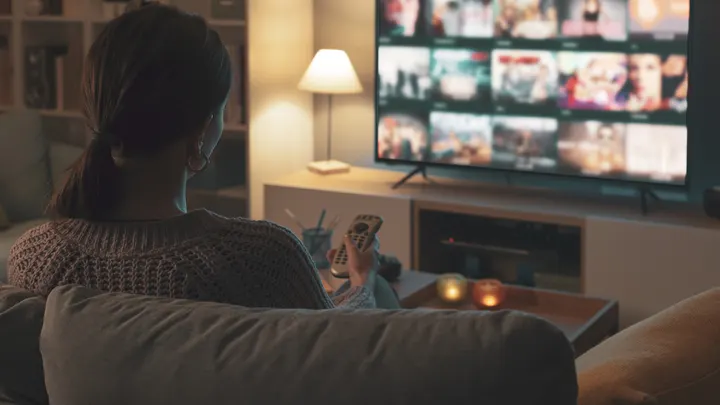
If you have an older TV that doesn't have smart features, you might not need to upgrade. Here's how to turn your "dumb" TV into a smart one.
The easiest way to turn your regular TV into a smart TV
You don't need a fancy new TV to access smart features.
As the world of streaming and online entertainment has slowly become an integral, seemingly permanent part of our daily lives, the actual act of accessing all the content you want to see has become as wide open as it could possibly be. There are so many options out there for insanely high-end smart TVs, and the people making them are already trying to figure out how to make even more expensive ones.
Each new smart TV promises to be better than the last one, but for some folks out there, the concept of even buying one doesn't sound very smart at all. Maybe you don't like the expense, or maybe you have a TV you really like and want to find a way to enhance it instead of investing in a new one. It ultimately doesn't matter what your reasoning is, because no matter how you slice it, it's a sound option.
Transforming a regular TV into a smart TV is actually surprisingly simple and, perhaps more compelling, affordable. All you really need is a TV that fits the bill and the right streaming stick for you, and you're all set up for the smart TV experience.
Find an HDMI port on your TV
Your first order of business in determining if you can turn your older TV into a smart TV is to make sure it has the appropriate slots to do so. In most cases, a simple HDMI port will do the trick, and you can check for them on the back. They can be on either side of the unit, sometimes directly in the middle if your TV has a larger back.
Annoyingly, some TVs come with the HDMI ports facing in an awkward direction that makes plugging something in a bit frustrating. It's rare, but if you find yourself unable to find an HDMI port, you can check to see if it's just in an odd position. If your TV really doesn't have an HDMI port, yet it has the old-school RCA inputs or an RF input, there are several adapters that make converting to a smart TV possible.
Once you've found a proper HDMI port, you'll need to grab yourself something like an Amazon Fire TV Stick or one of the many options available to you. These are tiny units that plug directly into your HDMI port; then you can simply tune your TV to that input, and you're off to the races. You'll need to log into all of your streaming services, but once that's done, you'll be good to go.
Buying a streaming stick vs. a smart TV
Buying a streaming stick has its own advantages that make it a worthwhile option. To start with, they're all generally less expensive than an actual smart TV. Most streaming sticks or hubs can be as cheap as $30, while a cheap smart TV can set you back as much as $150 on the lower end of things. It's also a lot more convenient, and most streaming sticks are more or less plug-and-play.
If you're absolutely committed to holding onto your old TV, there's nothing wrong with that, and you have a lot of options to turn it into a smart TV. If the TV is substantially older, however, or if you're helping a senior get set up, then it may be in your best interest to go for the smart TV.
It's becoming increasingly difficult to actually find non-smart TVs in stores today, and you can certainly still find them if you look hard enough, but that may not be true in the years to come. If you're just in the market for a decent smart TV to watch streaming content on, look for something from Roku or Samsung, both of which have excellent accessibility options for those who have hearing loss or low vision.