Spotify tests dedicated ‘Pins’ carousel to declutter Your Library on mobile
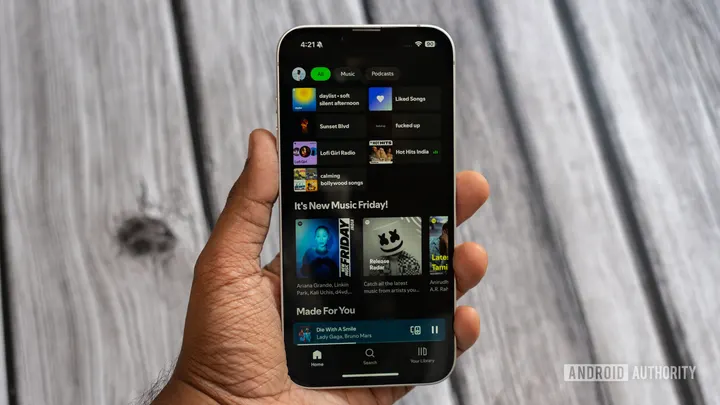
Credit: Aamir Siddiqui / Android Authority TL;DR Spotify is testing a dedicated “Pins” shelf in the mobile Your Library tab, placing pinned playlists, albums, and podcasts into an independent carousel. The section includes dedicated layout controls allowing users to view pins in List, Grid, or Compact view independently of the main library view. This appears to be a server-side test rolling out to select Android and…
Affiliate links on Android Authority may earn us a commission. Learn more.
Spotify tests dedicated ‘Pins’ carousel to declutter Your Library on mobile
Nov 6, 2026 — 4:12 AM ET
- Spotify is testing a dedicated “Pins” shelf in the mobile Your Library tab, placing pinned playlists, albums, and podcasts into an independent carousel.
- The section includes dedicated layout controls allowing users to view pins in List, Grid, or Compact view independently of the main library view.
- This appears to be a server-side test rolling out to select Android and iOS users.
Spotify is testing a revamped mobile layout for the Your Library tab that separates pinned items into a dedicated carousel shelf, according to user reports. The change comes against the backdrop of Spotify’s tightened Family plan location checks and reports of an AI-powered Remix add-on, and could give users some more reason to stick with the streaming service amidst these changes.
As shared by Reddit user alright-alright–, the refreshed Your Library UI introduces a separate “Pins” section right below the top filter chips. Instead of forcing pinned playlists, albums, and podcasts to share the same feed layout as the rest of your collection, Spotify now gives them their own dedicated section.
Tapping on the layout button in the top-right corner of the Pins section opens a menu titled “Library layout,” which lets you choose between the previously available List and Grid options for the Your Library page. The new bit here is the dedicated “Pins section” toggle, which also lets you independently choose between List, Grid, and Compact view for the pinned shelf.
Previously, Spotify bundled pinned items directly into the general library list or grid. Whatever view mode you selected for your entire library (whether List or Grid) applied uniformly to both pinned and unpinned content. Pinned items merely anchored themselves to the top of the shared scrollable feed, marked by a green pin icon.
Since Spotify recently increased the pin limit from four to 20, keeping pinned items inside the main list meant users frequently had to scroll past a massive block of pins just to browse their recent music or other unpinned playlists. The new horizontal shelf design addresses that friction directly.
Spotify’s new Pin shelf appears to be a server-side A/B test rolling out to certain iOS and Android users. As such, not all subscribers will see the new Pin shelf until Spotify deems the feature complete and stable enough for a wider rollout. Some users mention that they even lost the feature overnight, so there’s clearly some testing going on.