Here's what your Fitbit heart rate variability actually tells you
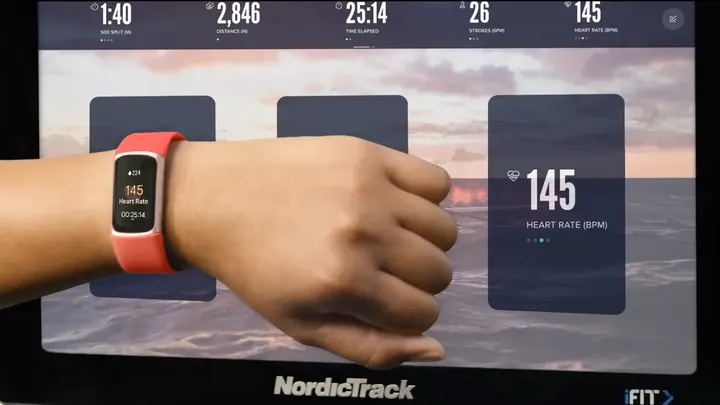
Your Fitbit's HRV reading can offer clues about stress and recovery, but your usual numbers matter more than anyone else's.
Here's what your Fitbit heart rate variability actually tells you
Your usual numbers matter more than anyone else's.
Let's say your Fitbit reads 62 beats per minute (bpm) for your resting heart rate and 24 milliseconds (ms) for your heart rate variability (HRV). The first number is easy enough to understand, but the second is a little harder to interpret, particularly if you know someone whose reading is 80 ms.
The good news is that there's no score to beat for HRV. It is a measure of the difference in time between heartbeats and provides information about how your body responds to stress and recovery. But comparing your reading with another person's won't tell you a lot. Your own numbers, particularly how they change over time, have a lot more to say.
What your Fitbit HRV reading actually measures
A heart rate of 60 beats per minute is an average, not a promise of perfectly spaced beats. The gaps can still vary slightly. These tiny variations are influenced by your autonomic nervous system, which helps regulate your body's response to stress and relaxation.
Fitbit's optical heart rate sensor estimates the time between heartbeats. Google then calculates HRV using a method called root mean square of successive differences (RMSSD). It's a mouthful, but the resulting number is measured in milliseconds, not beats per minute. It's not like your heart rate, either, which you can watch as you exercise.
Fitbit uses the longest sleep period from the previous 24 hours to calculate HRV (only periods lasting more than three hours qualify). If you did not sleep for a sufficient period of time or the sensor was unable to obtain sufficient data, you may not see a reading.
Your numbers can be found in Google Health (formerly the Fitbit app) in Health > Vitals > Heart rate variability. In addition to the day-to-day trends, there are longer-term trends and a personal range based on up to 30 days of data. Compatible devices can track basic HRV without a Google Health Premium subscription.
How to interpret your HRV
Google doesn't specify a universally "good" Fitbit HRV reading, and there's a reason for that. Age, fitness and individual physiology all play a part. If your HRV is normally around 25ms, then 20ms isn't that unusual, but if your HRV is normally closer to 70ms, then 20ms is a lot more surprising.
Your HRV may change following a bad night's sleep, a very challenging workout, stress or alcohol consumption. If it's a persistent decrease, it may be worth paying more attention to, particularly if your resting heart rate or sleep patterns are changing as well. After a few demanding days, you may want to slow down, but a lower reading alone doesn't mean you're getting sick. Google's Readiness score uses those three measurements to estimate how recovered you are. Google classifies Readiness scores below 30 as low.
Accuracy is another consideration. A 2024 study on the Fitbit Charge 4 showed moderate to strong agreement with reference HRV measurements, with a tendency for Fitbit to underestimate HRV. Sensor placement and movement can affect optical readings, while an ECG measures the heart's electrical activity directly. Comparing brands isn't straightforward either, since Apple Health's standard HRV measurements use SDNN on the Watch 12, a different HRV calculation from Fitbit's RMSSD.
Your Fitbit can keep track of the changes, but it can't tell you what exactly is causing them. If the changes are ongoing, especially if accompanied by symptoms, it is time to talk to a health care provider.