Galaxy phones have a better document scanner now, and it just saved me a ton of hassle
I’ve digitized physical documents on a Galaxy phone many times, and the process typically involved scanning the document, then editing it to remove my fingers or corner folds, if they were captured during the process. However, things have come a long way. With One UI 8.5, Samsung updated the built-in document scanner on Galaxy phones with a few useful tools that make document scanning less stressful. A couple of…
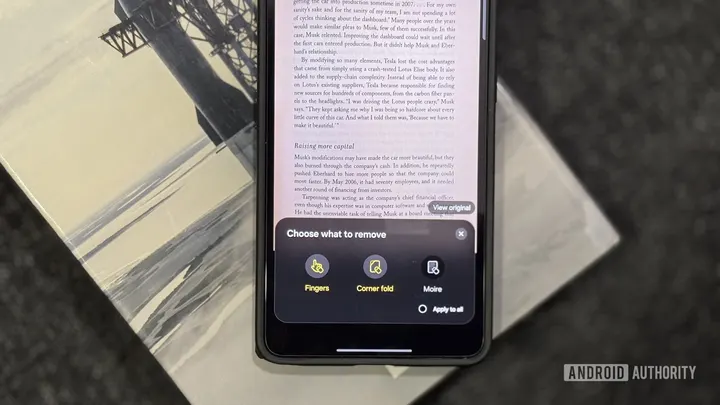
I’ve digitized physical documents on a Galaxy phone many times, and the process typically involved scanning the document, then editing it to remove my fingers or corner folds, if they were captured during the process. However, things have come a long way. With One UI 8.5, Samsung updated the built-in document scanner on Galaxy phones with a few useful tools that make document scanning less stressful. A couple of weeks ago, I had to digitize a contract. I quickly pulled out my Galaxy S26 Ultra and was really impressed with how well the built-in document scanner worked.